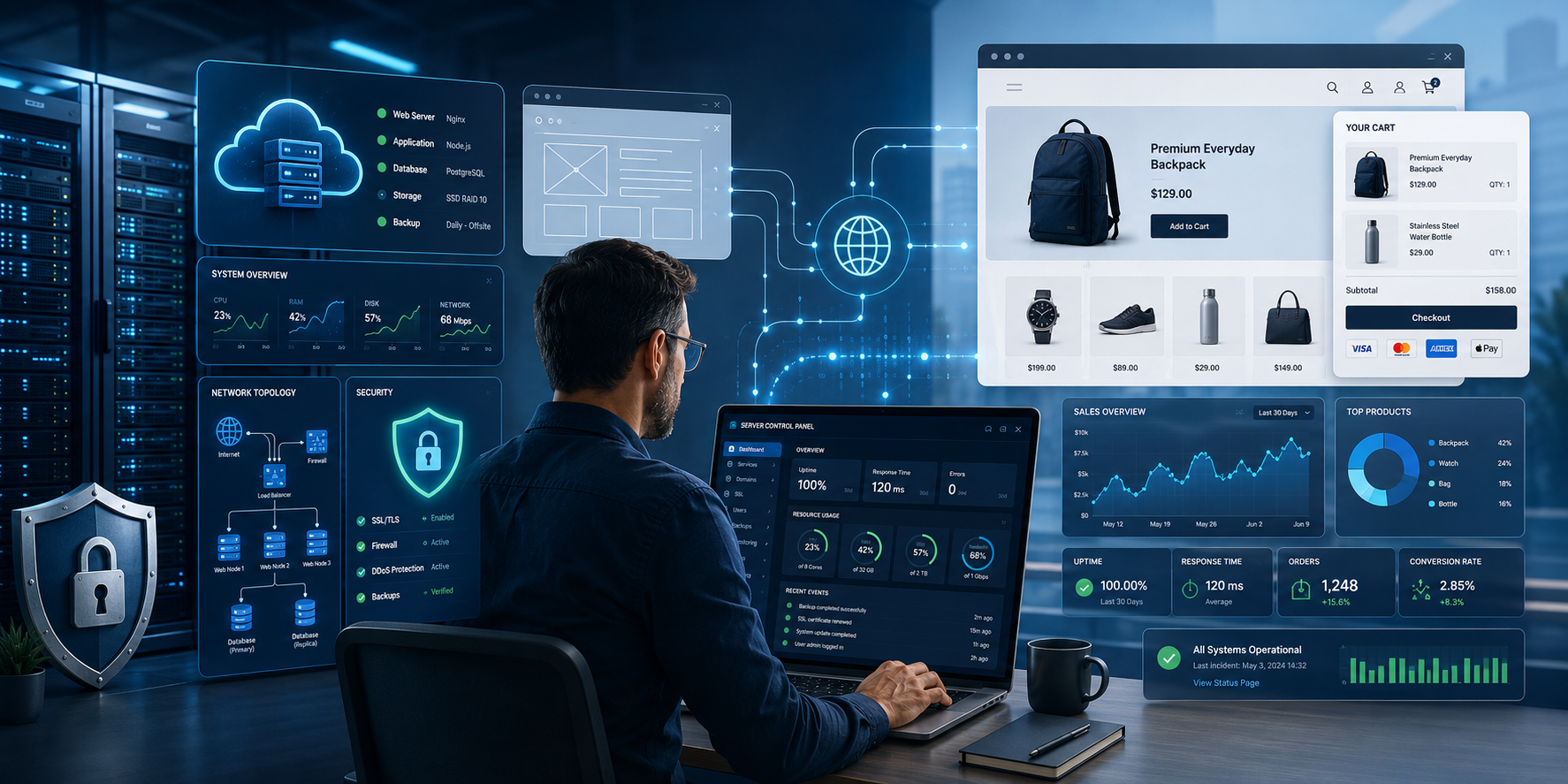
# Self-Hosting a Production Website or Ecommerce Store: Control, Responsibility, and Risk
For many businesses, “self-hosting” does not mean running a server in a basement. In a production website or ecommerce context, it usually means operating your own website, store, database, email service, customer portal, or business application on infrastructure you control. That infrastructure may be a VPS, dedicated server, cloud server, colocated hardware, or private hosting stack. The key difference is responsibility: instead of relying entirely on a managed SaaS platform such as Shopify, Wix, Squarespace, or a fully managed ecommerce host, the business takes direct responsibility for the server environment, application stack, security, backups, performance, and uptime.
This type of self-hosting attracts business owners, developers, agencies, and technically capable companies because it offers something many SaaS platforms do not: control. A self-hosted website can be built on WordPress, WooCommerce, Magento, PrestaShop, OpenCart, Medusa, custom Laravel/PHP software, Node.js frameworks, Python apps, or other open-source and commercial systems. On Reddit’s r/selfhosted community, discussions around business websites and ecommerce often revolve around the same themes: avoiding recurring SaaS fees, gaining more control, escaping vendor lock-in, choosing better privacy practices, and owning the full deployment stack. At the same time, commenters frequently warn that production use is very different from hobby use, especially when uptime, payments, customer data, and security are involved. ([Reddit][1])
The biggest reason to self-host is **control over the platform**. A business running its own website can choose the operating system, database, web server, caching layer, backup system, security tools, analytics package, and ecommerce software. It can customize features without waiting for a SaaS vendor, avoid arbitrary platform restrictions, and integrate deeply with internal systems such as CRM, ERP, accounting, shipping, inventory, or custom reporting tools. For web agencies and hosting providers, self-hosting also allows repeatable deployment of client sites under a consistent stack.
A second reason is **data ownership and privacy**. Self-hosting gives a company more direct control over where data is stored, how long logs are retained, what analytics tools are used, and which third parties touch customer information. For privacy-conscious organizations, this can be a major advantage. A self-hosted ecommerce business can avoid sending unnecessary behavioural data to third-party platforms, reduce dependence on large SaaS ecosystems, and implement its own data retention rules. However, this benefit only exists if the operator actually has the discipline to secure and maintain the system properly. Poorly configured self-hosting can be less private and less secure than a reputable managed service.
A third motivation is **cost control**. SaaS ecommerce platforms can become expensive as transaction volume, plug-ins, staff accounts, premium themes, automation, or advanced reporting features are added. Self-hosting may reduce licensing costs, especially for businesses with multiple sites or technical staff already on hand. Reddit discussions often show users looking for alternatives to subscription-based ecommerce systems, with WooCommerce, PrestaShop, OpenCart, Magento, Medusa, and similar platforms frequently mentioned. ([Reddit][2]) But cost savings can be deceptive. Server time, maintenance, monitoring, backups, security incidents, developer labour, and emergency support all have real cost. Self-hosting is cheapest when the operator already has the skills and processes to manage it.
The downsides are significant. A production website must be patched, monitored, backed up, protected, and restored quickly when something breaks. A business running its own stack must manage operating system updates, web server configuration, SSL certificates, firewalls, malware scanning, database security, application updates, plug-in vulnerabilities, log review, DNS, uptime monitoring, and disaster recovery. The U.S. Federal Trade Commission’s small business cybersecurity guidance recommends regular security updates, MFA, restricted access to sensitive assets, security software, and changing default passwords — all basic duties that become the self-hoster’s responsibility. ([Federal Trade Commission][3])
Security is especially important because public websites and ecommerce systems are internet-facing targets. OWASP describes its Top 10 as a standard awareness document representing broad consensus on the most critical web application security risks. These risks include categories such as broken access control, cryptographic failures, injection, security misconfiguration, vulnerable components, and authentication failures. ([OWASP][4]) In practical terms, a self-hosted business needs to understand more than “how to upload a website.” It must know how to harden an admin login, enforce strong passwords and MFA, keep software current, remove unused plug-ins, apply least-privilege database permissions, configure secure file permissions, and respond when a vulnerability is announced.
Ecommerce adds another layer of responsibility. If a website stores, processes, transmits, or can affect the security of payment card data, PCI DSS may apply. The PCI Security Standards Council describes PCI DSS as baseline technical and operational requirements intended for entities that store, process, or transmit cardholder data or sensitive authentication data, or that could affect its security. ([PCI Security Standards Council][5]) One practical approach for small merchants is to avoid storing credit card data entirely and use a trusted payment provider such as Stripe, PayPal, Moneris, Square, or another PCI-compliant processor. Even then, the merchant is not free from responsibility; the website still needs to be secured so attackers cannot alter checkout flows, inject malicious scripts, or capture customer information before it reaches the payment provider.
The technical expertise required depends on the complexity of the site. A static marketing site with no forms is relatively simple. A WordPress business site with contact forms requires more care. A WooCommerce store with customer accounts, plug-ins, payment integrations, inventory, tax rules, shipping tools, and email notifications is a real production system. A self-hosted ecommerce operator should be comfortable with Linux basics, DNS, SSL/TLS, web server configuration, database administration, backups, restore testing, file permissions, SMTP delivery, logs, updates, staging environments, and incident response. They should also understand security basics such as MFA, vulnerability patching, access control, and secure administration. CISA emphasizes MFA as a way to prevent unauthorized access by requiring a second verification method. ([CISA][6])
## Network Reality: Bandwidth, ISP Restrictions, Location, and CDN Tradeoffs
One issue often overlooked in self-hosting discussions is the quality of the internet connection itself. Hosting a production website from a home, office, or small business location is very different from hosting it in a professional data center. Even if the server is powerful enough, the connection may not be.
Most residential and small business internet connections are designed primarily for **download use**, not for serving large numbers of visitors. Upload bandwidth is often much lower than download bandwidth, and upload capacity is what matters when visitors are loading pages, images, downloads, or ecommerce content from your server. A site that feels fast during testing may become slow if several users visit at once, if product images are large, or if search engines, bots, and real customers are all accessing it at the same time.
Another practical issue is **ISP policy**. Many residential internet providers block or discourage hosting public services. Common blocked ports can include port **25** for mail servers, and sometimes ports such as **80** and **443**, which are used for standard web traffic. Even when ports are not blocked, the customer may be assigned a dynamic IP address that changes periodically. Some ISPs also prohibit public server hosting in their terms of service unless the customer upgrades to a business connection. This is one reason many serious self-hosters use a VPS, dedicated server, or colocation service rather than hosting from their office or home.
**IP reputation** is another concern. A business website or ecommerce store running from a residential IP range may be treated differently by security systems, email providers, payment gateways, fraud filters, or enterprise firewalls. For email especially, residential or dynamic IP space is usually a poor choice. Transactional email for ecommerce should normally be sent through a reputable mail delivery provider, not directly from a self-hosted home or office server.
Geography also matters. If a company hosts its website from one physical location, every visitor must connect back to that location. A store hosted in Toronto may perform well for Ontario customers but slower for visitors in Europe, Asia, or Australia. Distance increases latency, and latency affects page load speed, checkout experience, search ranking, and conversion rates. Data centers and cloud providers solve this by offering high-capacity connectivity and multiple regional locations. A self-hosted business needs to think about where its average customers are located and whether the server is close enough to serve them well.
This is where a **CDN**, or content delivery network, can help. A CDN can cache static files such as images, CSS, JavaScript, downloads, and sometimes full pages at edge locations around the world. This means a visitor in London or Sydney may receive much of the website from a nearby CDN node instead of from the origin server. CDNs can also help absorb traffic spikes and some denial-of-service attacks. Canadian Centre for Cyber Security guidance on DDoS defence specifically discusses mitigation strategies for protecting online services from traffic-based disruption. ([Canadian Centre for Cyber Security][1])
However, a CDN creates a privacy tradeoff. If traffic is proxied through a CDN, the CDN may process visitor IP addresses, request metadata, URLs, headers, and sometimes cached content, depending on how the service is configured. Cloudflare, for example, says the types of personal data it processes depend on which services are used, and that metadata for core application services may be processed in its U.S. and European data centers for a limited period. ([Cloudflare][2]) Cloudflare’s privacy policy also states that it gathers and uses personal information as described in its policy. ([Cloudflare][3])
So, can a business use a CDN and still maintain privacy? **Yes, but not absolute privacy.** A CDN can be part of a privacy-conscious architecture if the company understands what data passes through it, configures caching carefully, avoids caching private account pages or checkout pages, uses proper TLS settings, signs a data processing agreement where needed, and discloses the CDN use in its privacy policy. For many businesses, the better question is not “CDN or privacy?” but “Which CDN configuration gives us the best balance of privacy, performance, security, and reliability?”
For ecommerce, a sensible approach is usually to cache public assets and public pages while excluding sensitive areas such as customer account pages, shopping carts, checkout flows, admin panels, and API endpoints. Payments should be handled by a reputable payment processor, and the site should avoid storing card data directly. PCI DSS applies to organizations that store, process, transmit, or can affect the security of cardholder data, so ecommerce self-hosting requires careful attention even when using third-party payment providers. ([Federal Trade Commission][4])
For production self-hosting, the safest model is usually not a server sitting behind a typical office or residential connection. A better model is a properly secured VPS, dedicated server, or colocated server in a professional data center, combined with off-site backups, monitoring, transactional email delivery, DDoS protection, and a CDN where appropriate. That still gives the business meaningful control over its hosting stack, but avoids many of the weaknesses of trying to serve a commercial website from an ordinary local internet connection.
The biggest mistake is treating production self-hosting like a hobby project. Reddit users frequently distinguish between self-hosting for learning and self-hosting for a business where uptime matters. Some commenters are comfortable running sites themselves; others advise using managed hosting or professional support for business-critical services. The recurring lesson is not that self-hosting is bad, but that it must match the operator’s skill level and risk tolerance. ([Reddit][7])
For many companies, the best answer is a hybrid model. Self-host the website or ecommerce application on a reliable VPS, dedicated server, or managed hosting platform, but outsource the highest-risk pieces: payment processing, transactional email delivery, off-site backups, DDoS protection, DNS, and monitoring. This preserves much of the control of self-hosting while reducing operational risk.
Self-hosting a production website or ecommerce store can be a smart strategy for businesses that value control, customization, privacy, and long-term flexibility. But it is not “free hosting,” and it is not a shortcut. It shifts responsibility from a SaaS provider to the business. Done well, self-hosting can be powerful and cost-effective. Done casually, it can create downtime, data loss, security breaches, and compliance problems. The right question is not simply “Can we self-host?” It is: **Do we have the knowledge, processes, and support to run this as a production business system?**
[1]: https://www.reddit.com/r/selfhosted/comments/1kersci/why_is_self_hosting_a_production_landing_page_so/?utm_source=chatgpt.com "Why is self hosting a production landing page so ..."
[2]: https://www.reddit.com/r/selfhosted/comments/v37lm3/best_selfhosted_platform_for_small_ecommerce_store/?utm_source=chatgpt.com "Best self-hosted platform for small ecommerce store?"
[3]: https://www.ftc.gov/business-guidance/small-businesses/cybersecurity?utm_source=chatgpt.com "Cybersecurity for Small Business"
[4]: https://owasp.org/www-project-top-ten/?utm_source=chatgpt.com "OWASP Top Ten Web Application Security Risks"
[5]: https://www.pcisecuritystandards.org/merchants/?utm_source=chatgpt.com "Merchant Resources"
[6]: https://www.cisa.gov/topics/cybersecurity-best-practices/multifactor-authentication?utm_source=chatgpt.com "Multifactor Authentication | Cybersecurity and Infrastructure ..."
[7]: https://www.reddit.com/r/selfhosted/comments/1dsutnj/is_it_a_terrible_idea_to_self_host_a_website/?utm_source=chatgpt.com "Is it a terrible idea to self host a website? : r/selfhosted"